Page Versions
Objectives: Understanding the best practices of the page versioning
EXPERIENCE MANAGEMENT > CONTENT
In Experience Management, you can create page versions in advance to automate the page publication on your website. For example, you could create a category landing page to promote the Fall season in advance, get your modifications approved before the publication date and schedule the publication of your page for a specific date and time.
There are 2 types of page versions available in Experience Management:
|
•
|
Original: this is the original page created in the Content module. |
|
•
|
Version #: this is a version of the original page with its own modifications and publication dates. |
With page versioning, you can:
|
•
|
Set publish and unpublish dates for a page version. Setting publication dates is not mandatory. |
|
•
|
Manually publish and unpublish versions, when required. |
|
•
|
You can set page versions in any order you want in the list. The list does not define the publication sequence. |
|
•
|
Only one-page version at a time can have a "published" status. |
|
•
|
Page version dates can overlap. |
|
•
|
Page version statuses can be Draft, Awaiting Approval or Awaiting Publication before being published. |
|
•
|
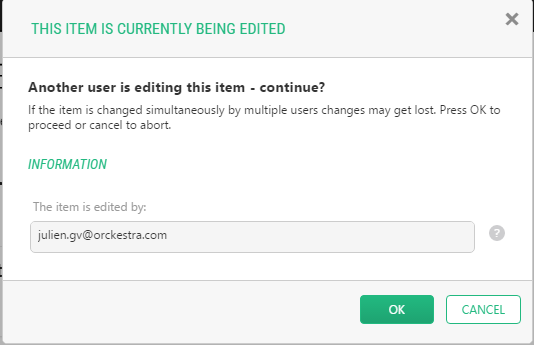
Page versions can only be edited by one user at a time. |
|
•
|
A maximum of 50-page versions is kept in Past/Active sections. |